mirror of
https://github.com/LukeHagar/vercel.git
synced 2025-12-06 04:22:01 +00:00
 578a7742fe
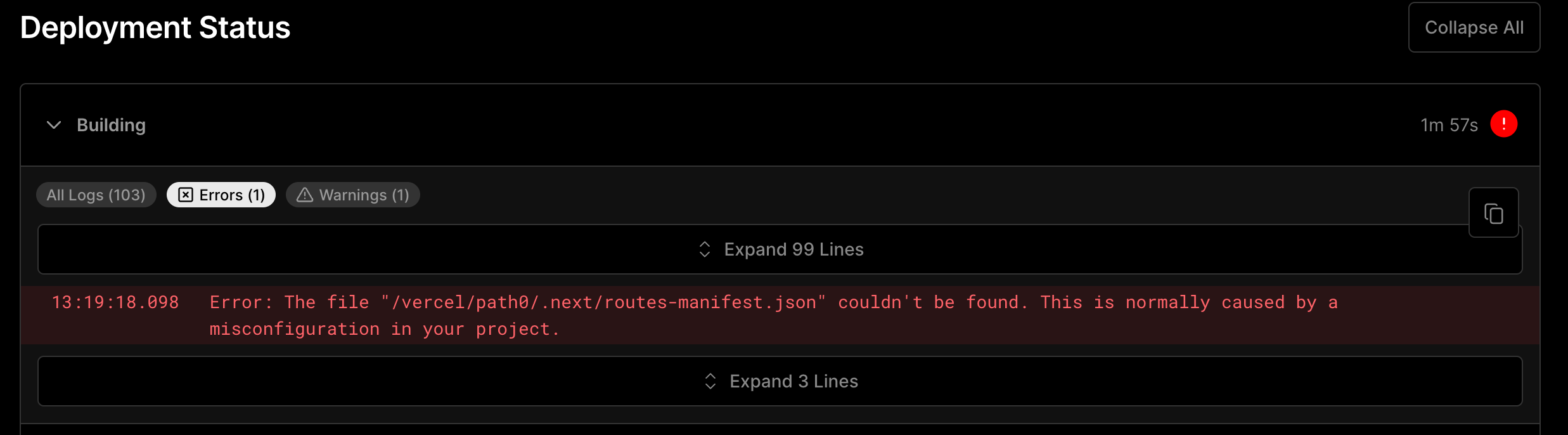
The dashboard doesn't handle multiline errors very well because other lines are collapsed.

https://vercel.com/changelog/deployment-logs-filtering-now-available

<img width="1237" alt="image" src="https://user-images.githubusercontent.com/229881/218832497-0bcd9404-b4f5-49fe-9edd-bd6de6d8bb8f.png">


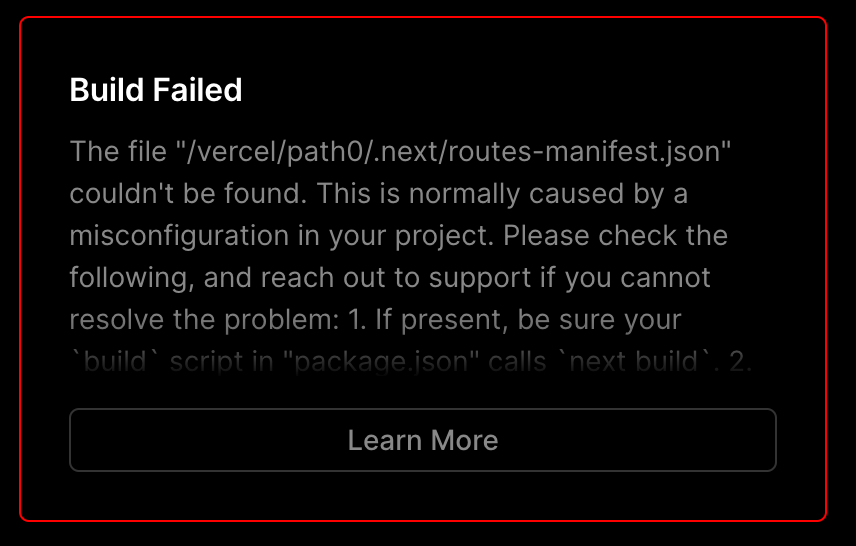
We also show the complete error in the top and it doesn't show newlines properly.

<img width="428" alt="image" src="https://user-images.githubusercontent.com/229881/218832603-065e0d4d-ae6e-4b44-b2db-b2fff063da58.png">

The "Learn More" link already has the relevant information so we can reduce this error message to a single line to improve the call to action.
1.3 KiB
1.3 KiB
Routes Manifest Could Not Be Found
Why This Error Occurred
This error is often caused by a misconfigured "Build Command" or "Output Directory" for your Next.js project.
Possible Ways to Fix It
In the Vercel dashboard, open your "Project Settings" and draw attention to "Build & Development Settings":
- Ensure that the "Build Command" setting is not overridden, or that it calls
next build. If this command is not overridden but you are seeing this error, double check that yourbuildscript inpackage.jsoncallsnext build. IfbuildCommandexists invercel.json, make sure it callsnext build. - Ensure that the "Output Directory" setting is not overridden. This value almost never needs to be configured, and is only necessary if you override
distDirinnext.config.js. IfoutputDirectoryexists invercel.json, remove that property. - For
next exportusers: do not override the "Output Directory", even if you customized thenext exportoutput directory. It will automatically detects the correct output.
In rare scenarios, this error message can also be caused by a Next.js build failure (if your "Build Command" accidentally returns an exit code that is not 0). Double check for any error messages above the Routes Manifest error, which may provide additional details.